How to Actually Use a Digital Planner (Without Giving Up in Week Two)
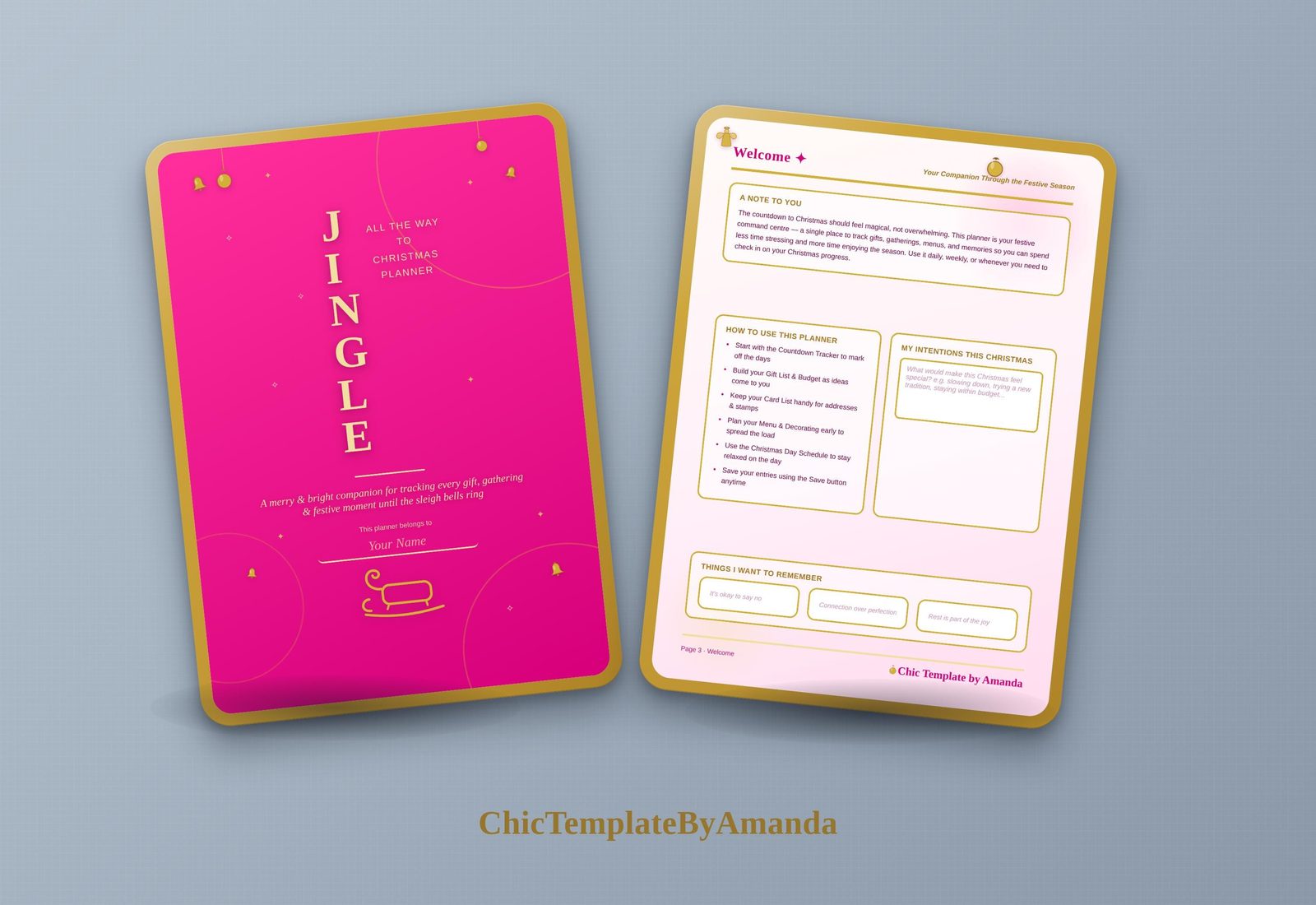
A digital planner only works if you open it. The most common reason people stop using one is not the planner itself: it is trying to set up every page at once, then forgetting the whole thing exists by February.
Here is a simpler way to start.
Choose a planner you actually like looking at
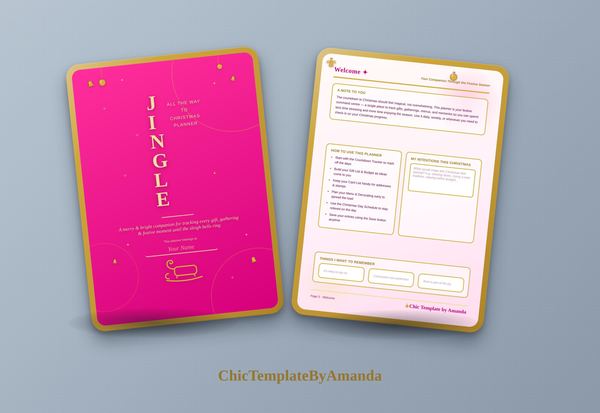
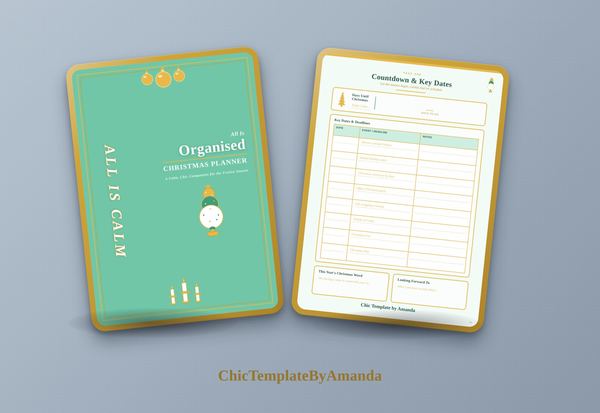
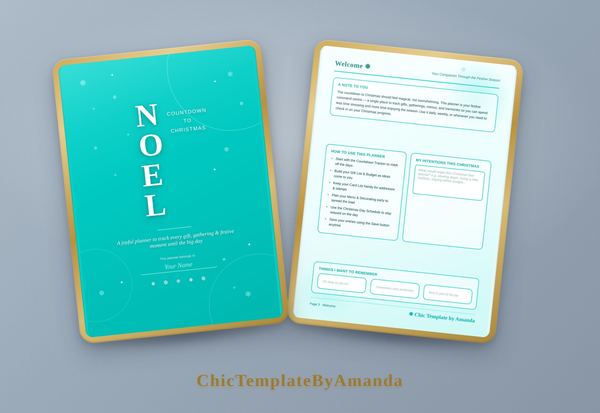
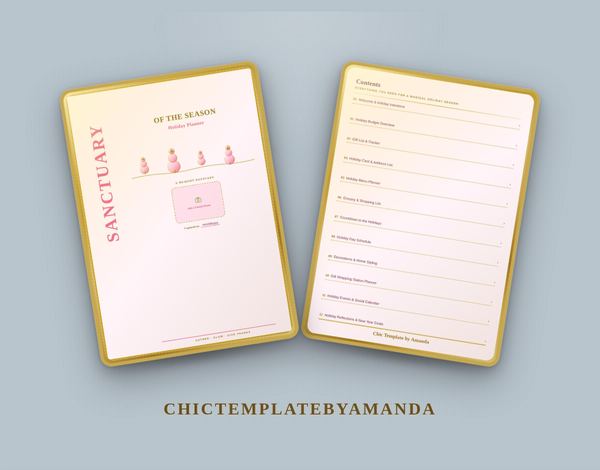
This matters more than the number of pages. You will open the planner you enjoy seeing, so pick a design that suits your taste. Our planners and templates page shows what is inside each one, including whether it is a dated diary, a holiday organiser or a guided journal.
Most of our planners open in a web browser on a phone, tablet or computer. Nothing to install, and no account to create just to see your pages.
Set it up in ten minutes, not an afternoon
Do only these three things on day one:
- Open the cover and bookmark it. Add the planner to your phone's home screen or browser bookmarks so it is one tap away.
- Fill in the index. If the planner has hyperlinks, tap through the main tabs once so you know where everything lives.
- Write the next date that matters. One deadline is enough to make the planner feel useful straight away.
Leave the rest blank. A half-empty planner is much less intimidating than a perfectly filled one you never return to.
The five-minute daily habit
Once a day, open the planner and do three small things:
- Look at today's page.
- Tick off anything you finished.
- Choose one job for tomorrow.
That is the whole system. Five minutes is short enough that you will actually do it, and long enough to keep the planner in your head.
Use the hyperlinks instead of scrolling
Many of our planners have a clickable contents page. Tap a tab and jump straight to the budget, the meal plan or the memory page. If you are using the planner on a phone, this is much faster than scrolling through dozens of pages.
Keep a copy of your entries
Digital does not mean invincible. If the planner supports saving or exporting, save a copy at the end of each month. Keep it in the same place you keep other important files, such as Google Drive or Dropbox. If you print a page, keep the printed copy somewhere safe too.
Ideas for what to track
Different planners do different jobs. A few good places to start:
- A holiday planner: budget, gifts, food and cards, all in one place.
- A wellness journal: mood, sleep, water and one small act of self-care.
- A party planner: guest list, menu, invitations and countdown.
- A budget tracker: what came in, what went out, and what you are saving towards.
Do not try all of them at once. Pick the one problem the planner is meant to solve and use that section first.
When Christmas is the goal
If you are planning the holiday season, start with three lists: people, money and dates. Put the last order date for personalised cards in the planner as soon as you know it. A custom digital card takes 48 hours from payment, so give yourself a few days of breathing room before the day you want to send it. Our guide to planning a calm Christmas with a digital planner walks through the whole countdown.
Signs it is the wrong planner
It is not you, it might be the planner. Consider changing if:
- You dread opening it.
- The layout fights the way you think.
- You cannot find last week's entry without hunting.
- It has no room for the thing you most need to track.
There is no prize for forcing yourself to use a planner that does not fit. Browse the templates again and choose one that does.
Start small today
Open the planner, write one date, and close it. Tomorrow, add one more thing. Six months from now you will have a record you actually kept, which is worth far more than a beautiful empty planner.