How to Send a Digital Christmas Card by WhatsApp, Text or Email

A digital Christmas card arrives in seconds, costs nothing to post and can reach family on the other side of the world on Christmas morning. If you have never sent one before, this guide walks you through it, from choosing a design to pressing send.
Why send a digital Christmas card?
- No postage and no posting deadlines. You can send it on Christmas Eve and it still arrives on time.
- It reaches people abroad. Ideal for family overseas, where cards are slow and stamps are expensive.
- It is personal. A card with the recipient's own name and your own message feels far more thoughtful than a forwarded picture.
- It can move. Animated cards play like a short film, which a paper card cannot do.
Step 1: choose a design that suits the person
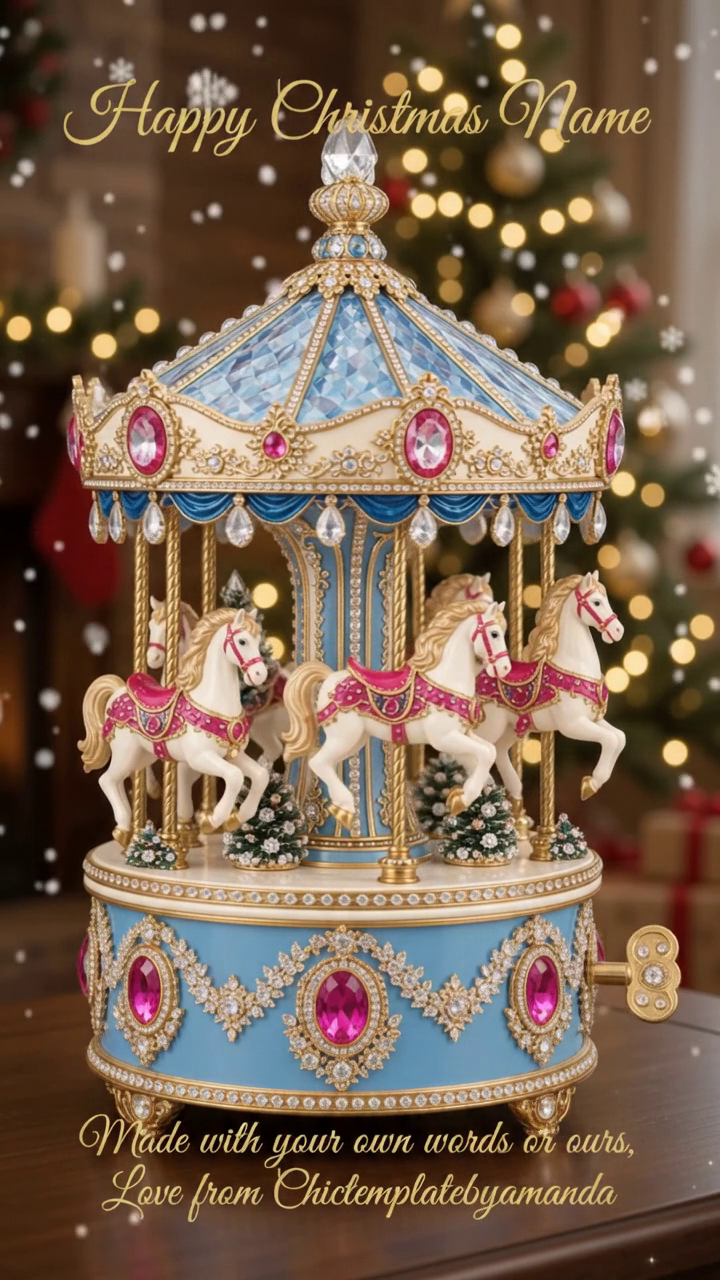
Think about who will open it. A grandparent might love a traditional scene such as a steam train in the snow or a Christmas carousel. A friend who loves city breaks might prefer a New York Christmas. Children tend to enjoy storybook animals.
You can browse every design on our digital Christmas cards page.
Step 2: write the name and message
Our cards are personalised by hand, so you tell us the name and the message at checkout, in the personalisation boxes. A few tips:
- Check the spelling of the name twice. It is the one thing people always notice.
- Keep the message short. One or two warm lines read better on a phone screen than a long paragraph.
- Sign off the way you would in person: "Love from Gran and Grandad" or "With love, the Harrisons".
Your finished card is emailed to you within 48 hours, so order a few days before you want to send it.
Step 3: save the card to your phone
When the email arrives, open it on your phone and save the card to your photos or files. If the card is animated, it arrives as a short video file, and it saves in the same way as any video.
Step 4: send it
By WhatsApp
- Open the chat with the person, or the family group.
- Tap the attach button (the paperclip or the plus sign).
- Choose the card from your photos or files.
- Add a line such as "Merry Christmas! Turn the sound on" and press send.
By text message
Open your messages app, start a message to the person, tap the picture or attach button, choose the card and send. Animated cards sent by ordinary text can be squeezed down by the phone network, so WhatsApp or email usually keeps the quality better.
By email
Start a new email, attach the card and add a short note. Email is the best choice for anyone who does not use a smartphone, because the card opens on a computer or tablet too.
On social media
You can also post your card or send it as a private message on Facebook or Instagram, exactly as you would share any photo or video.
When should you send it?
A digital card can be sent at any moment, which means you can time it. Popular choices are the first day of December, the day the recipient breaks up for the holidays, Christmas Eve at bedtime for children, and first thing on Christmas morning.
A quick note on use
Our digital cards are for personal use: sending to the friends, family and guests they were made for. If you would like a card for a business, such as a greeting for your customers, get in touch first and we can quote for that. The full details are on the licence page.
Ready to choose?
Have a look through the digital Christmas cards, pick the one that makes you smile, and tell us who it is for. We will do the rest.
From the shop